
Free Practice Questions for the DELL EMC DCS-IE DES-1221 Exam (2026 Updated)
At Marks4sure, we are dedicated to providing IT professionals with the most accurate and reliable preparation materials for the DELL EMC DES-1221 exam. To support your certification journey, we have made a selection of our premium 2026 DCS-IE practice questions and answers available completely free. You can take this practice test as many times as you need. Every question includes a detailed, expertly verified explanation to ensure you fully grasp the core security concepts before test day.
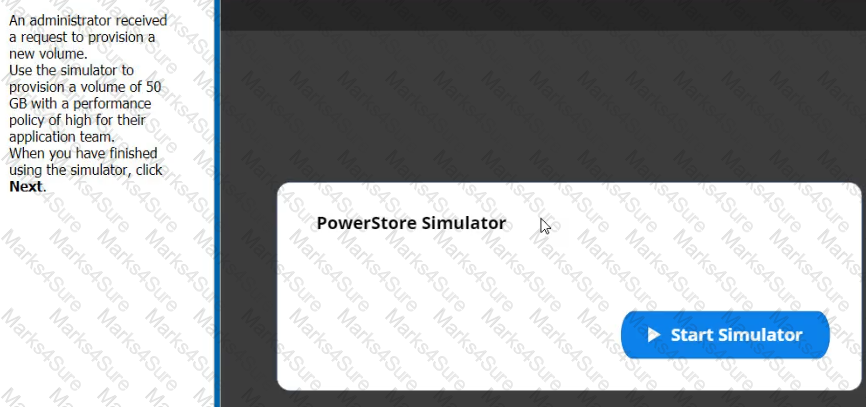
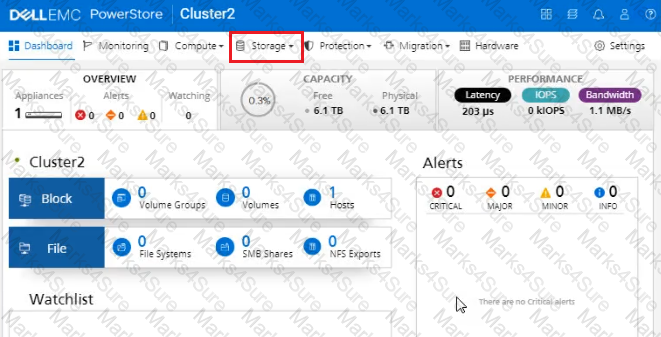
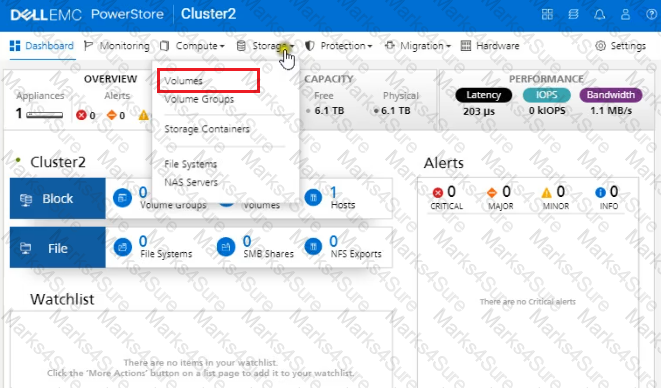
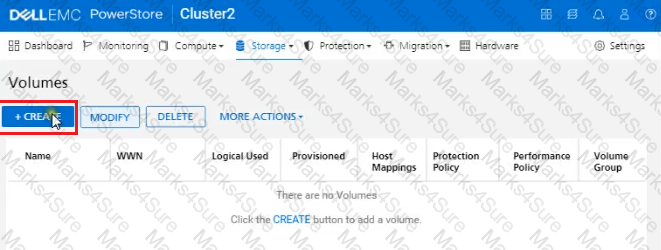
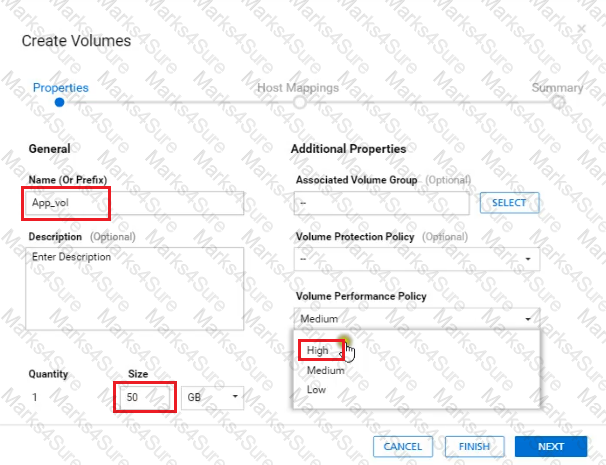
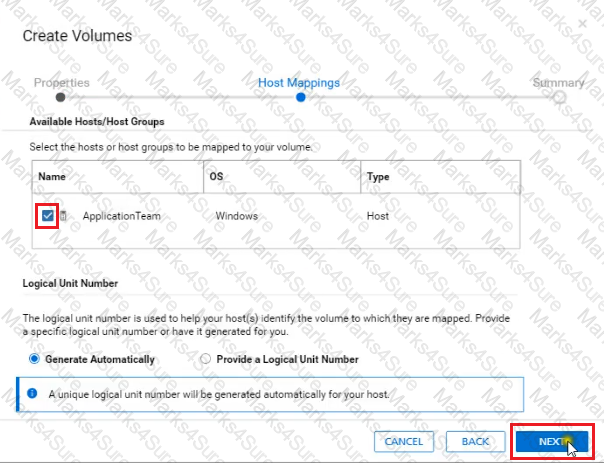
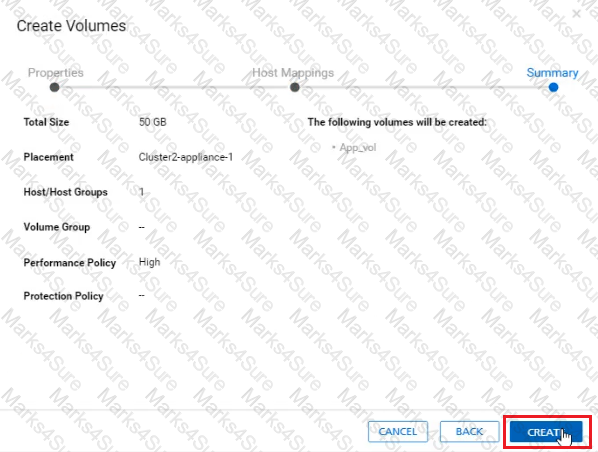
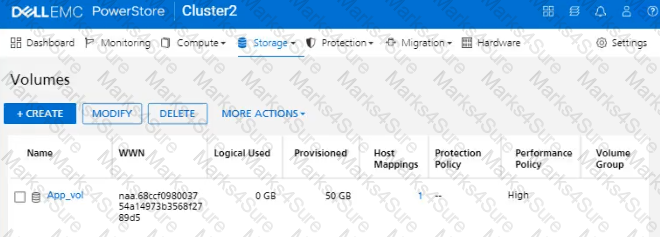
An administrator received a request to provision a new volume. Use the simulator to provision a volume of 50 GB with a performance policy of high for their host named " ApplicationTeam " . When you have finished using the simulator, click Next.
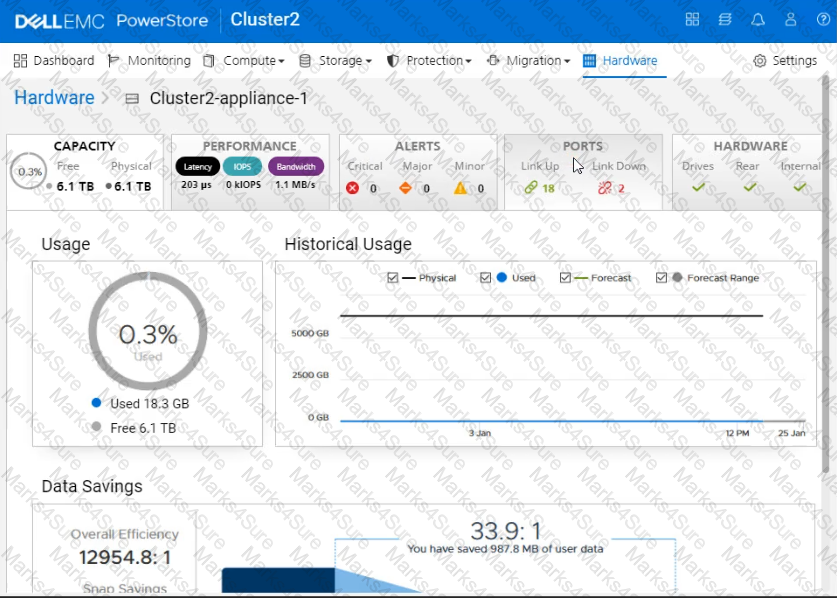
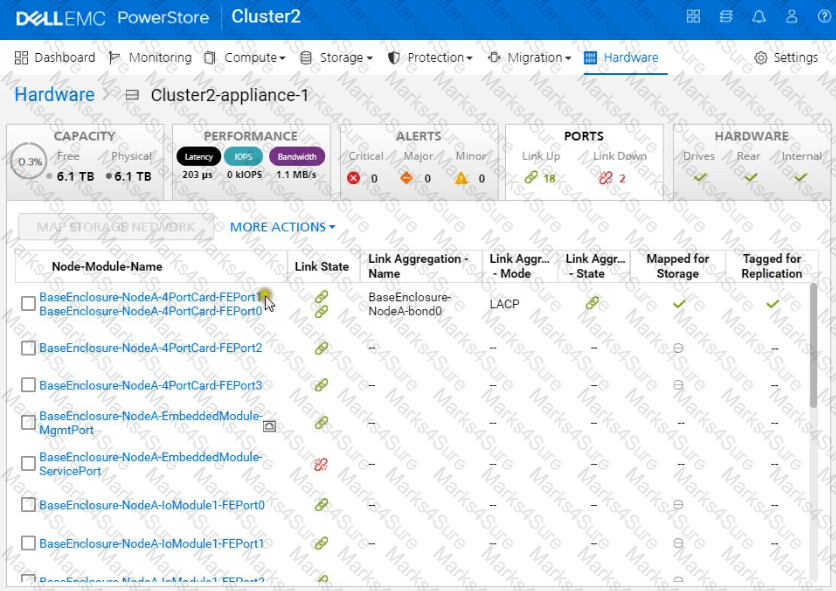
Use the simulator to determine how many logical ports are currently marked for replication on the PowerStore appliance.
Note: It is necessary to close (x) the simulator window before you can select a response to this question.
Simulator:
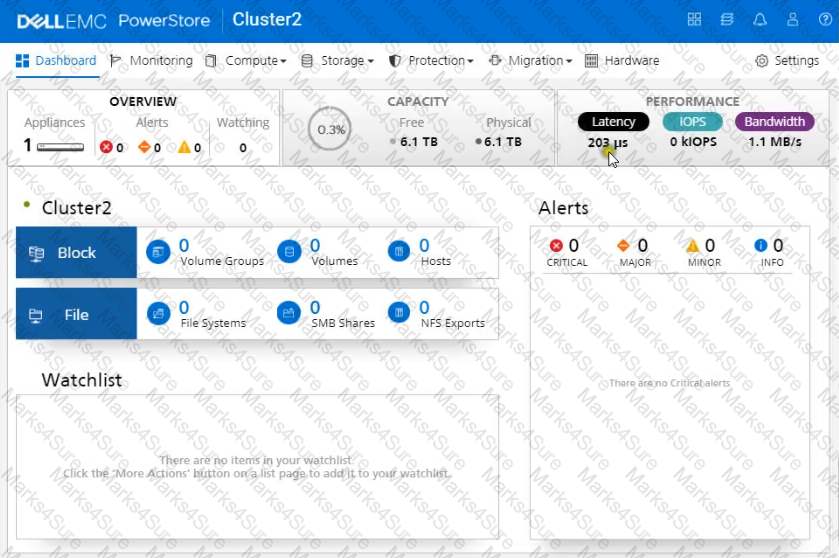
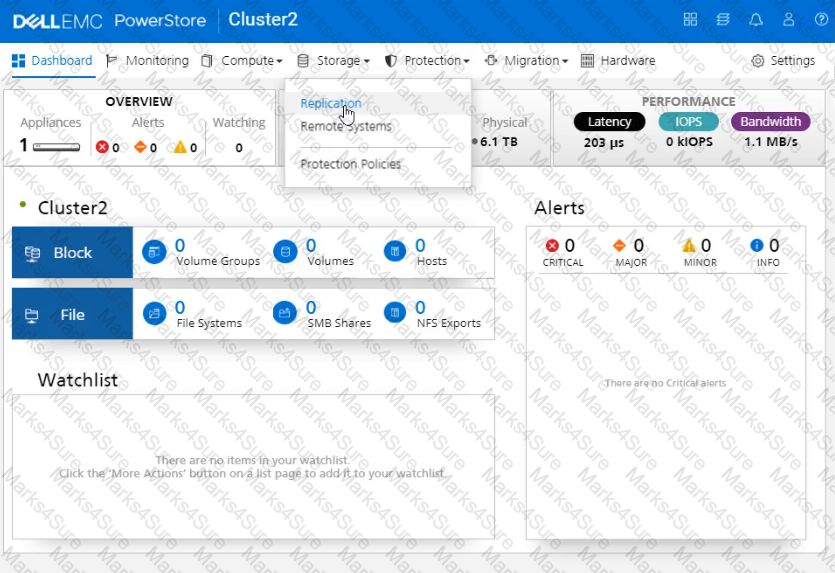
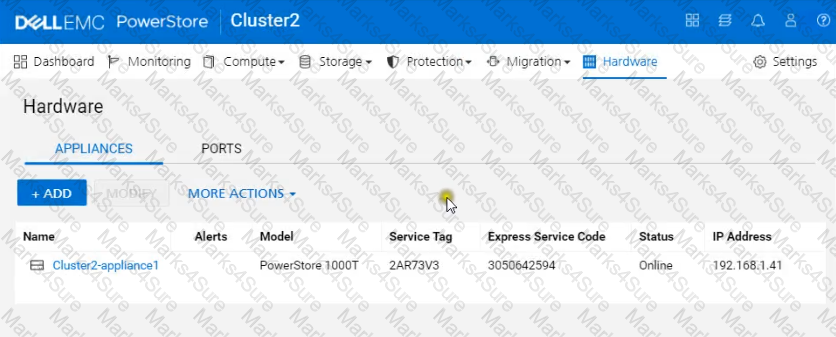
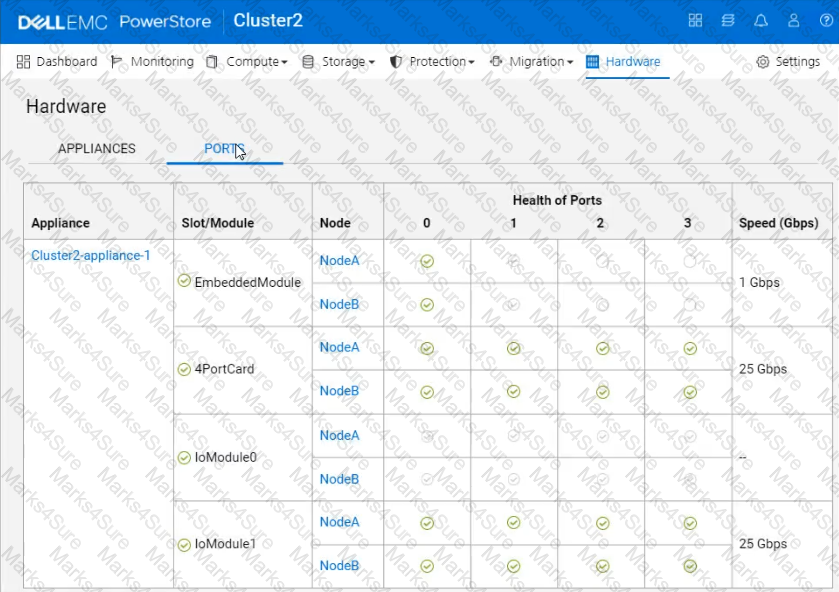
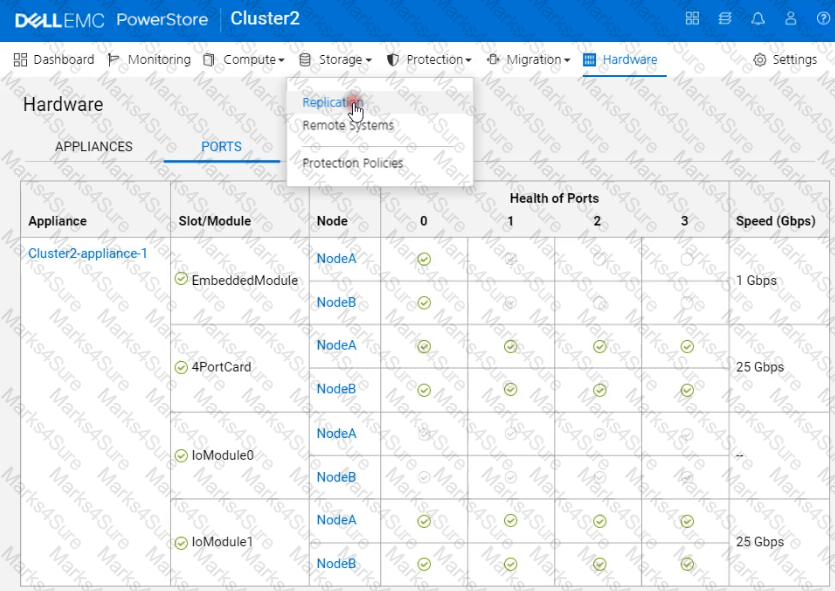
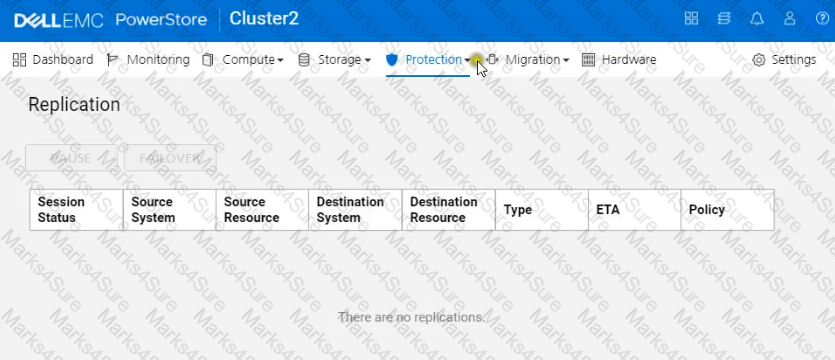
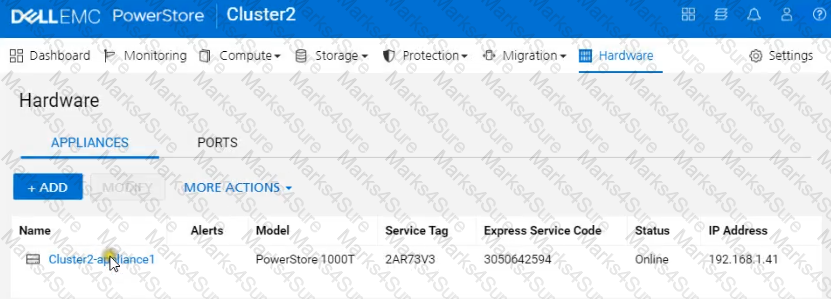
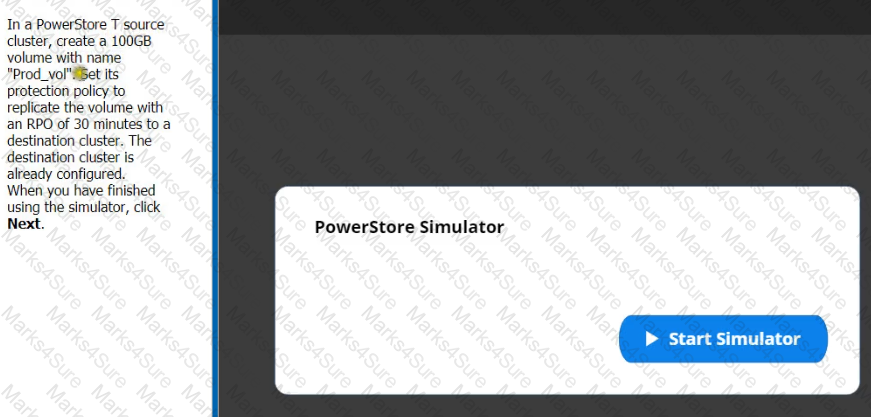
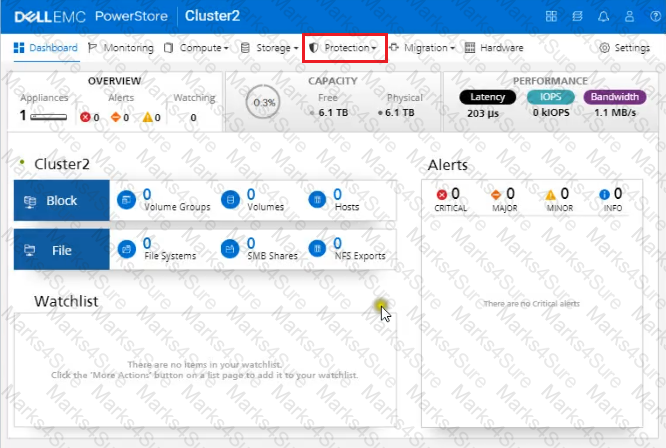
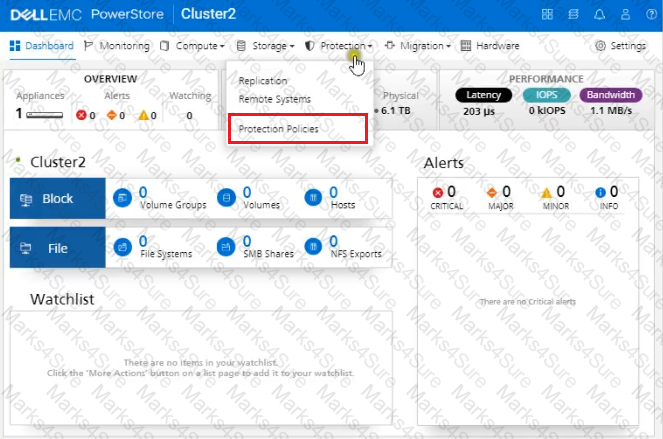
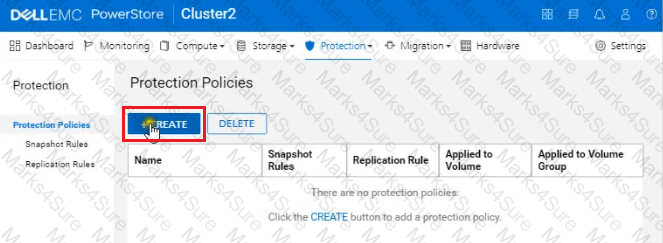
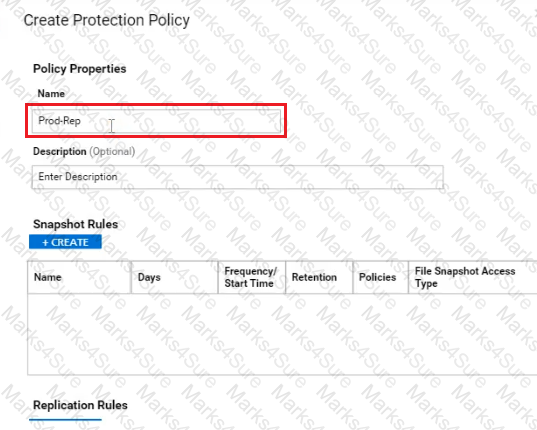
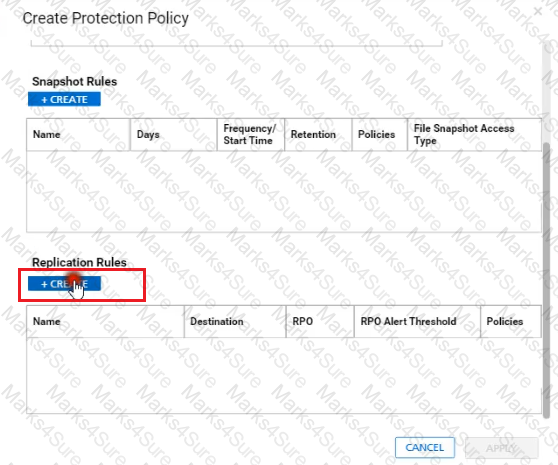
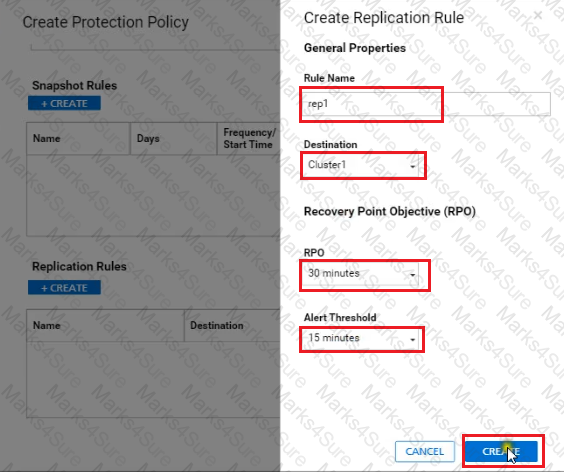
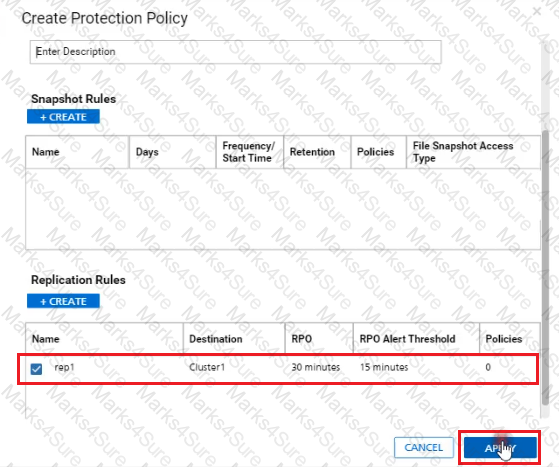
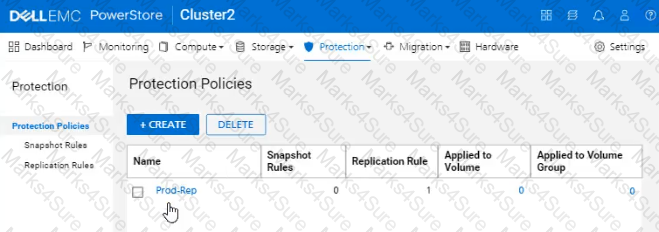
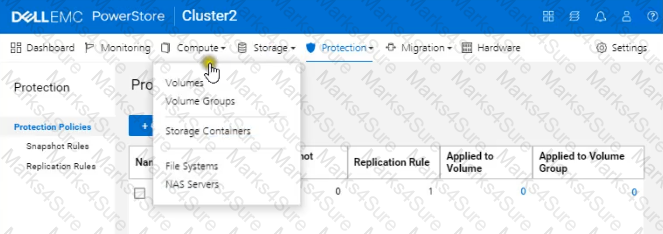
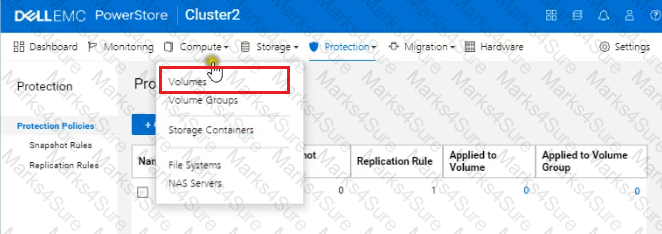
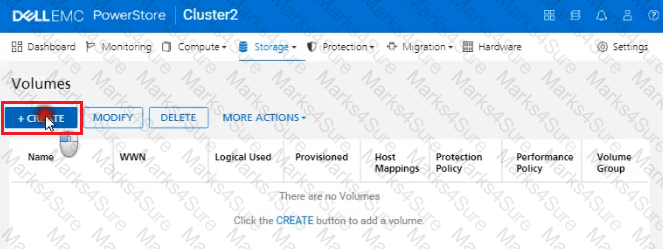
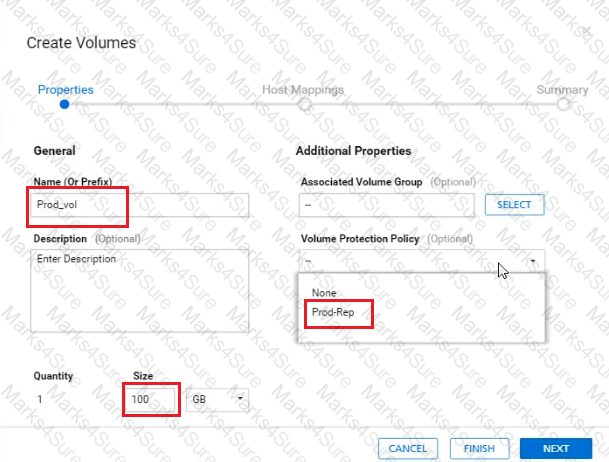
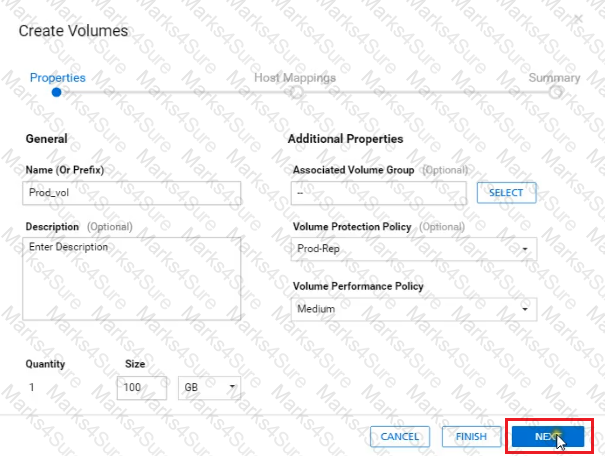
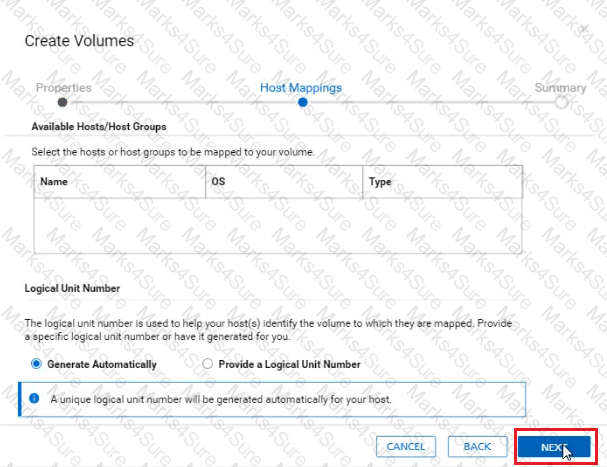
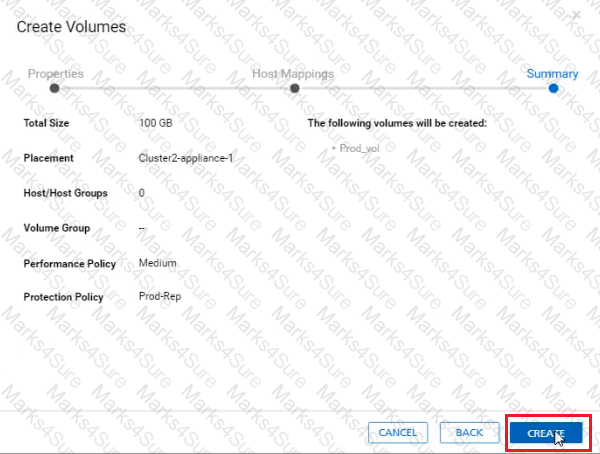
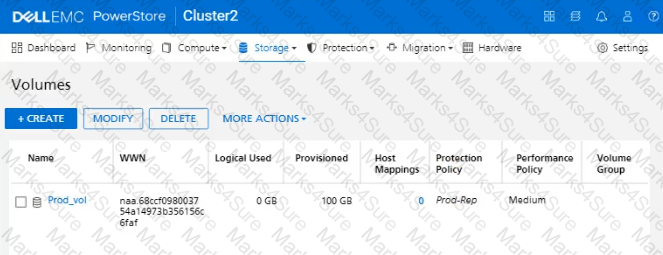
In a PowerStore T source cluster, create a 100GB volume with name " Prod_vol " and set a protection policy to replicate the volume with RPO 30 minutes to a destination cluster. The destination cluster is already configured. When you have finished using the simulator, click Next.
A Storage Administrator removed an appliance from the cluster. What is the status of the removed appliance’s licenses?
Which ports are recommended for use as the interconnect between the two Dell supplied Data Switches connected to PowerStore?
When a Volume is selected for the intercluster migration, what other data services associated with the volume will also be moved with it?
An administrator is trying to set a performance policy while creating a Thin Clone of a volume group. Why is the option to set performance policy unavailable?
A storage administrator has provisioned a 50GB volume and presented it to an application. The application owner has requested that the volume be replicated to a secondary array. Which policy should be assigned to the volume to enable replication?
An administrator received the following alert from PowerStore regarding a previously created NAS server?
Description:
The SMB server of the NAS server PowerStore_NAS_01 is configured to be joined to the domain test.mid, but is currently not joined.
Which setting should the administrator change?
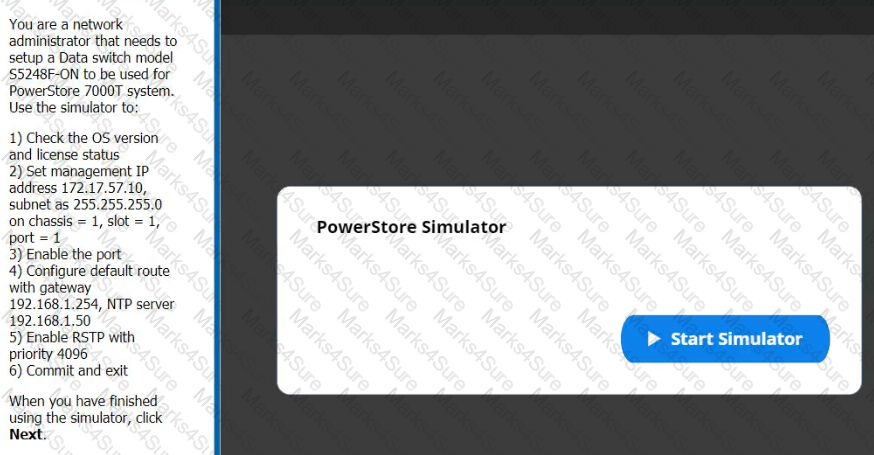
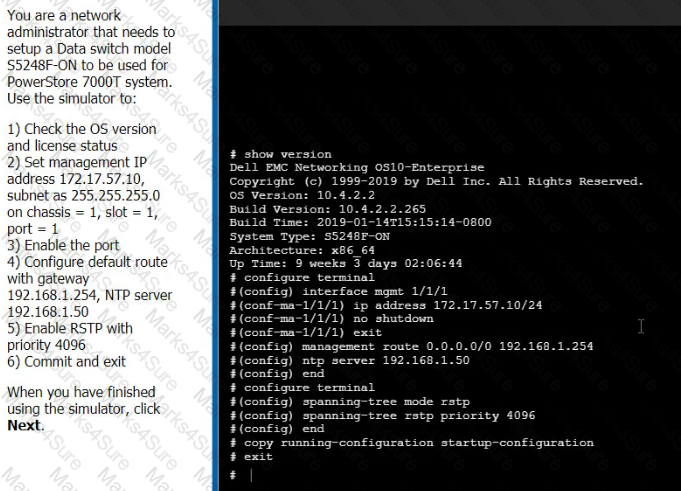
You are a network administrator that needs to setup a Data switch model S5248F-ON to be used for PowerStore 7000T system Use the Simulator to:
1) Check the OS version and license status.
2) Set management IP address 172.17.57.10 subnet as 255.255.255.0 on chassis = 1, slot = 1, port = 10
3) Enable the port
4) Configure default route with gateway 192.168.1.254, NTP server 192.168.1.50
5) Enable RSTP with priority 4096
6) Commit and exit.
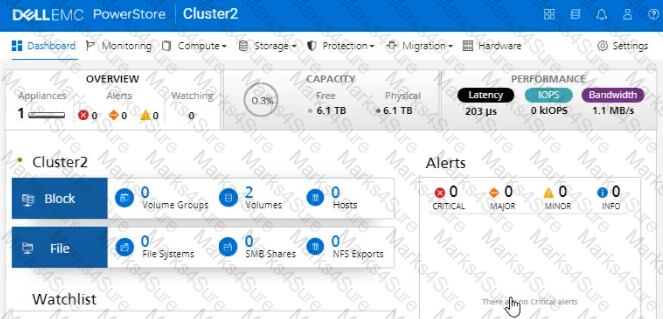
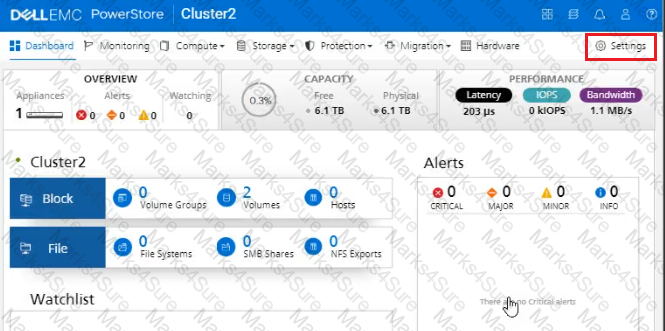
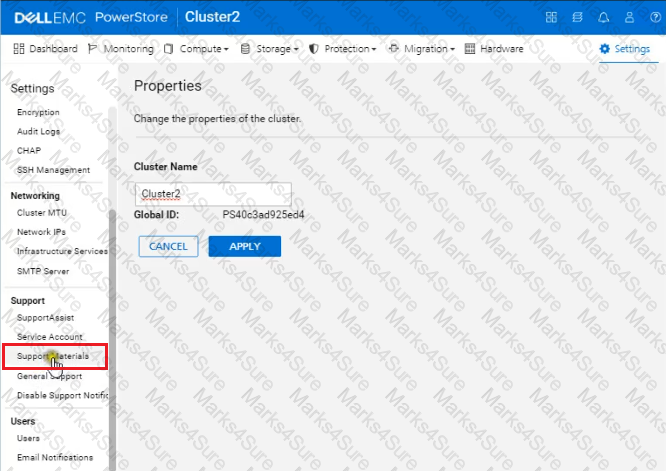
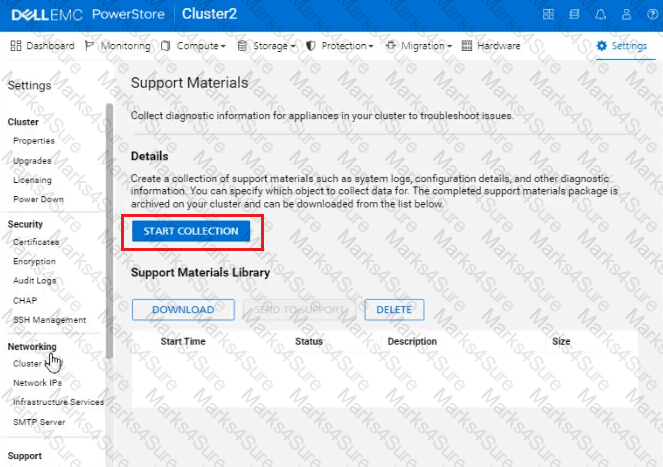
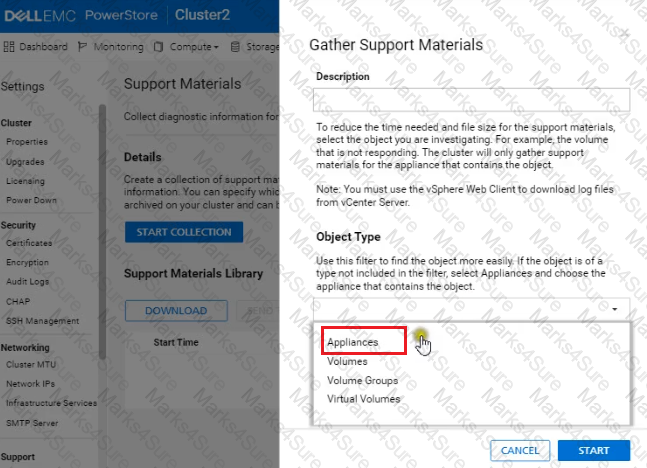
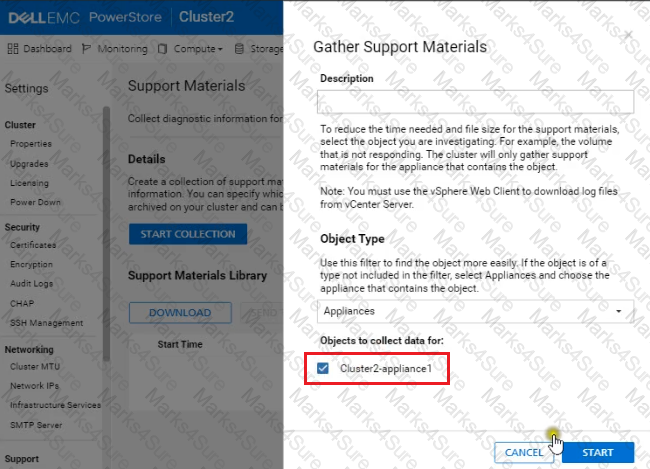
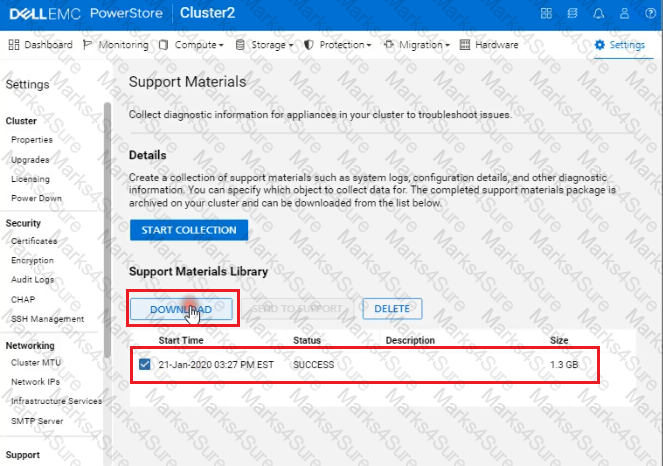
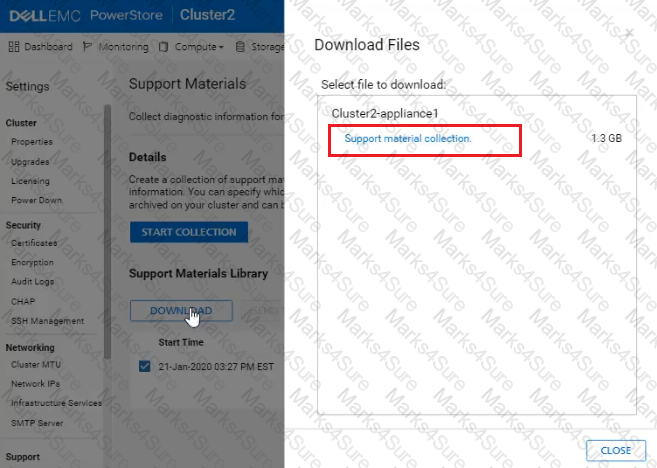
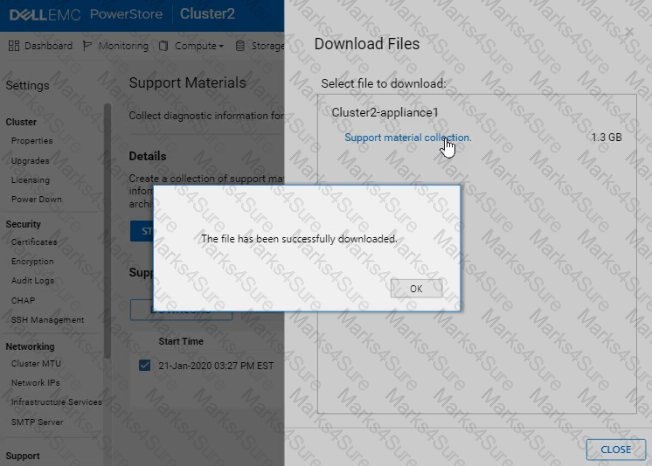
Use the simulator to generate and download logs from all appliances in the PowerStore cluster. When you have finished using the simulator, Click Next.
PDF + Testing Engine

Testing Engine
PDF (Q&A)