
Free Practice Questions for the SAP Certified Associate C_S4CPB Exam (2026 Updated)
At Marks4sure, we are dedicated to providing IT professionals with the most accurate and reliable preparation materials for the SAP C_S4CPB exam. To support your certification journey, we have made a selection of our premium 2026 SAP Certified Associate practice questions and answers available completely free. You can take this practice test as many times as you need. Every question includes a detailed, expertly verified explanation to ensure you fully grasp the core security concepts before test day.
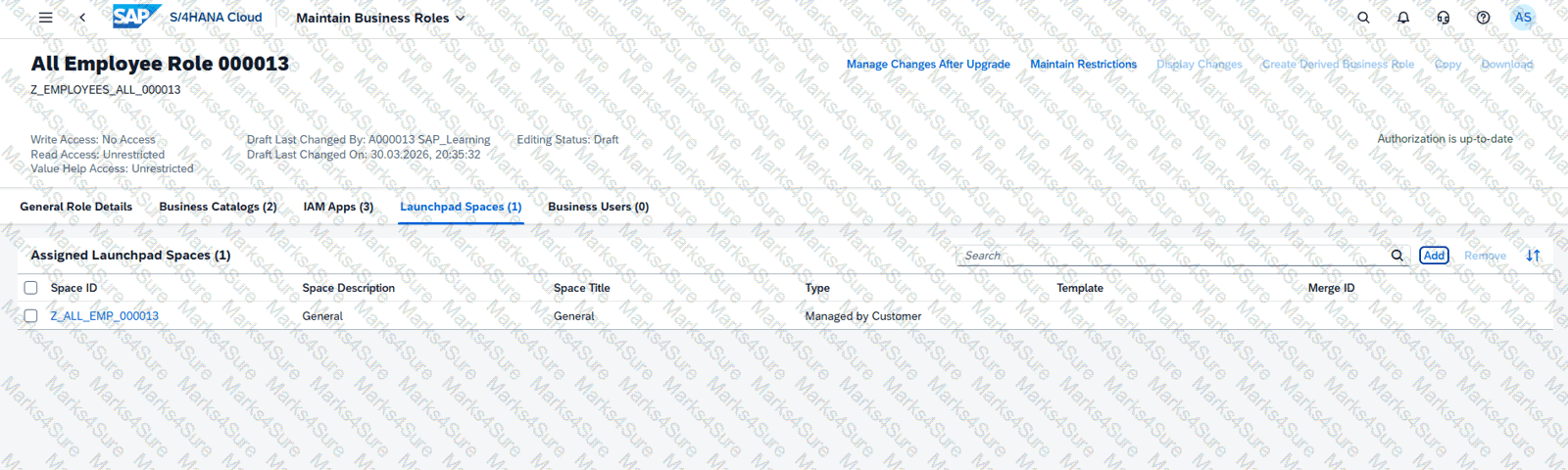
Create a Custom Launchpad Space and Page
Business Scenario
You are building a custom business role that will be assigned to all employees in the organization. The business role and its corresponding Launchpad Space and Page need to include the apps that have been granted through the business catalogs assigned to the business role to ensure employees have an easy time finding the relevant applications.
Note: In the task below, always replace ###### with the last 6 digits of your group number.
Note:
Make sure to use the EXACT names/values/spaces as they are listed in the task.
Even forgetting a space or a number will cause the validation of the task to fail and
be marked as incorrect.
Task:
Assign the business catalogs listed below to the business role and save:
HCM - Employee Self Service (SAP_HCM_BC_EMP_PC)
Concur - Employee Self-Service (SAP_CON_BC_CTE_ESS_PC)

Business Scenario You are working on an implementation project and need to create a test user in the system for demonstrating the professional services business processes to project managers during your upcoming Fit-to-Standard workshop. Follow the instructions below to create a new test user with a basic import of worker and work agreement data.
Note: In the task below, always replace ###### with the last 6 digits of your group number.
Note:
Make sure to use the EXACT names/values/spaces as they are listed in the task.
Even forgetting a space or a number will cause the validation of the task to fail and
be marked as incorrect.
Task:
Assign the Project Manager - Professional Services (BR_PROJECT_MANAGER_PROF) business role to the new user and save.
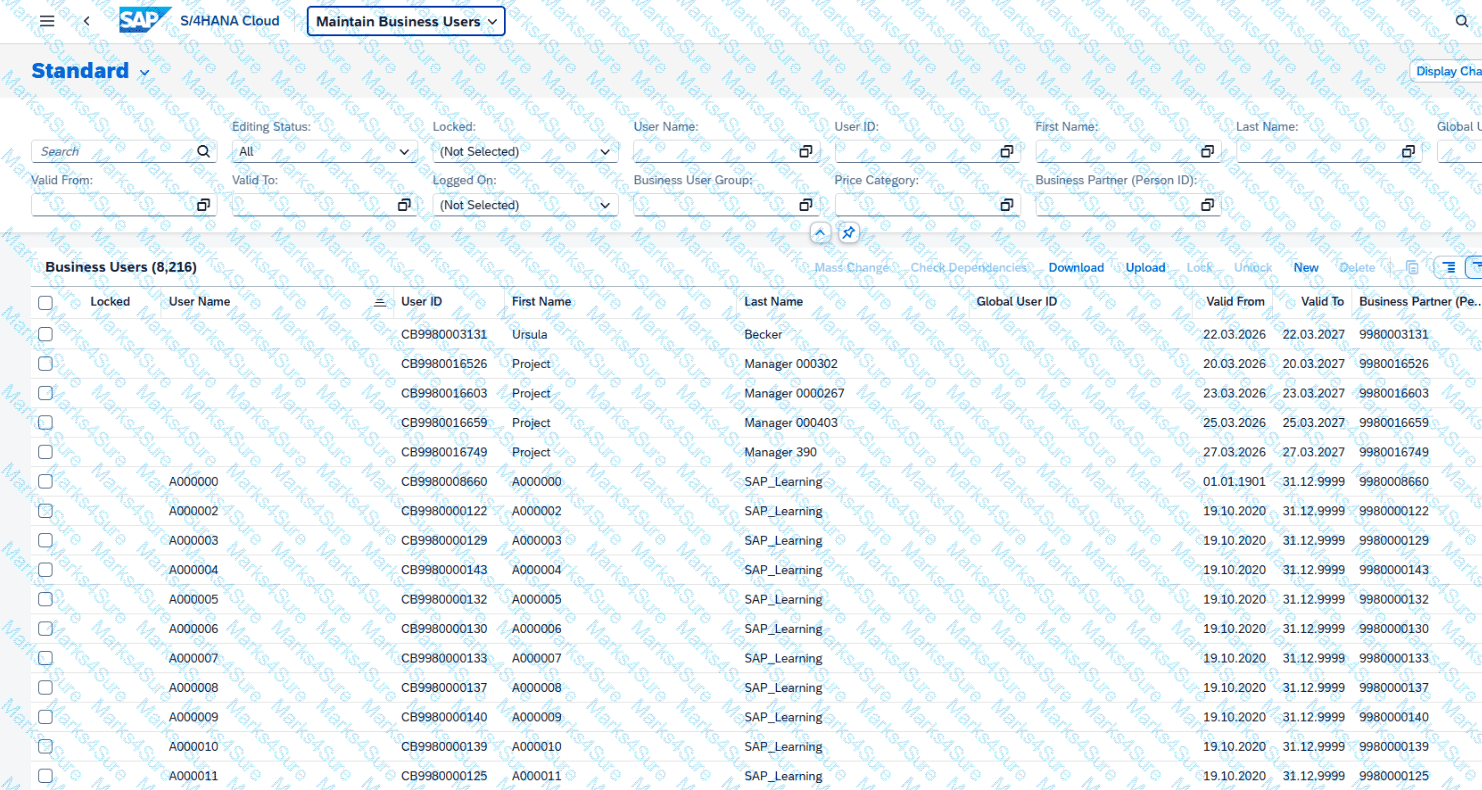

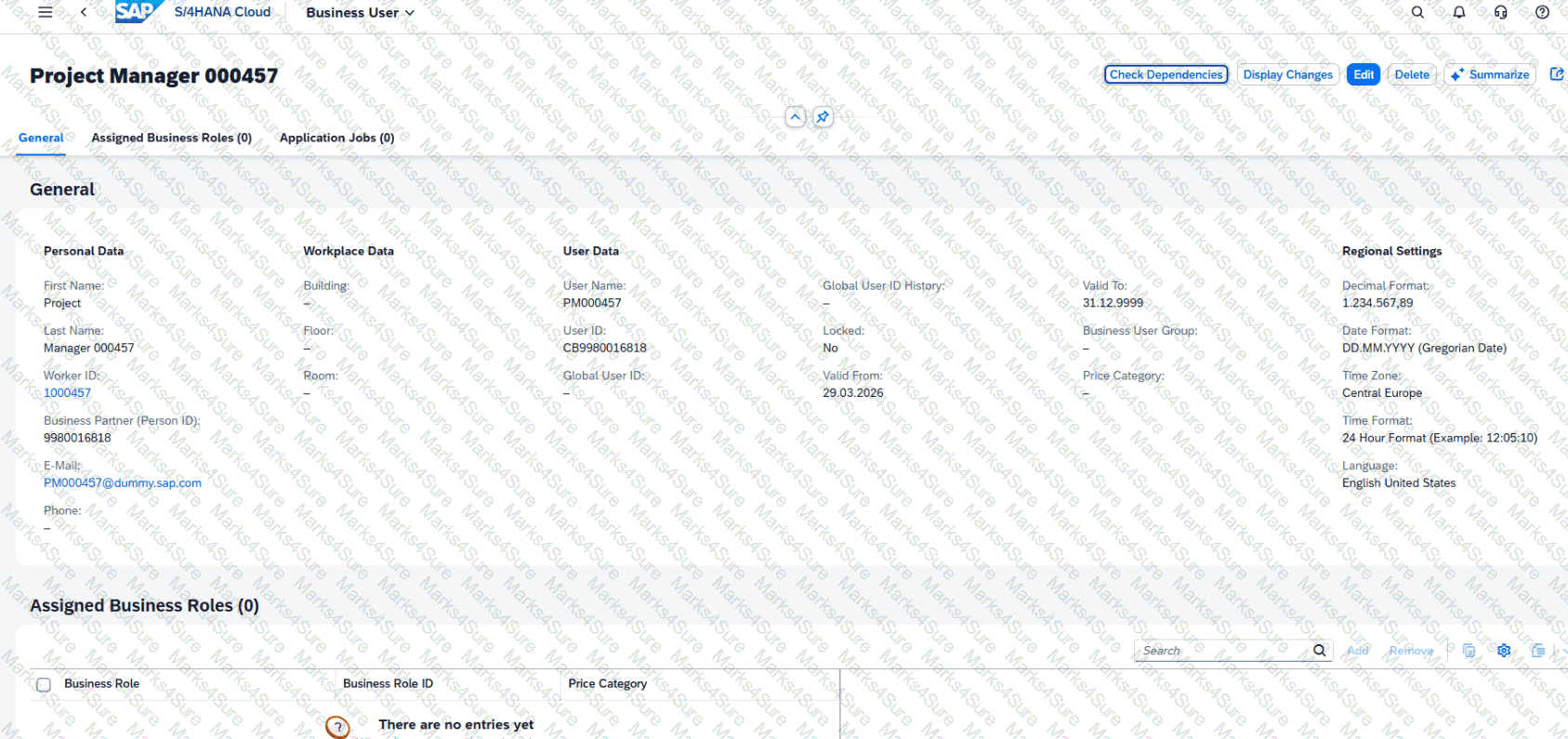
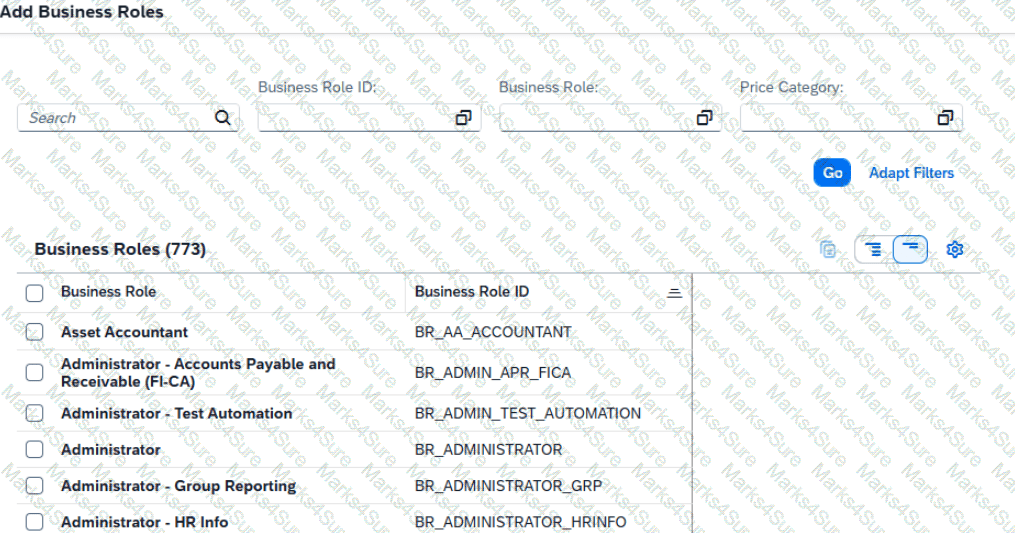
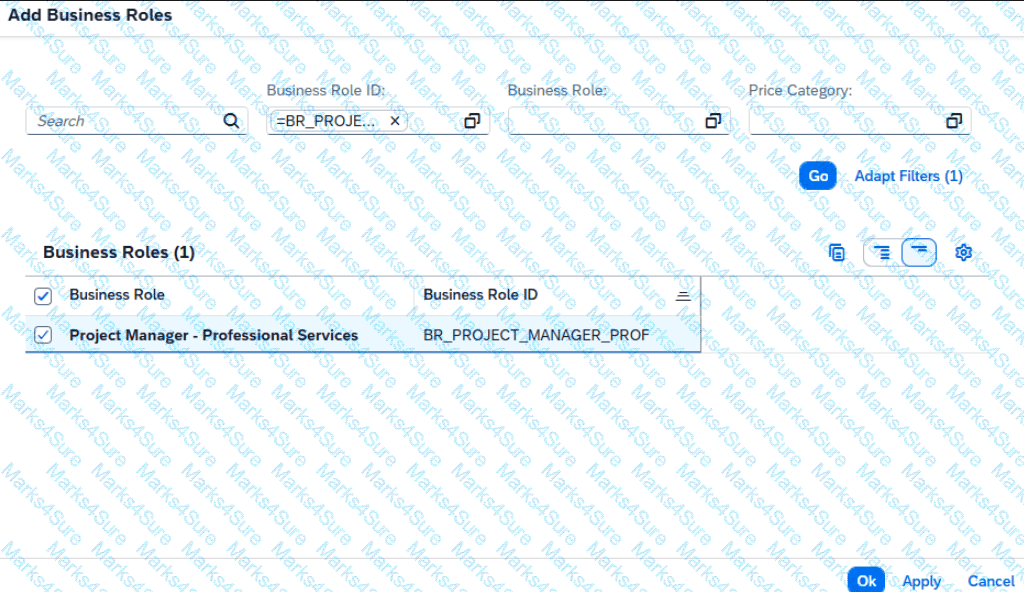
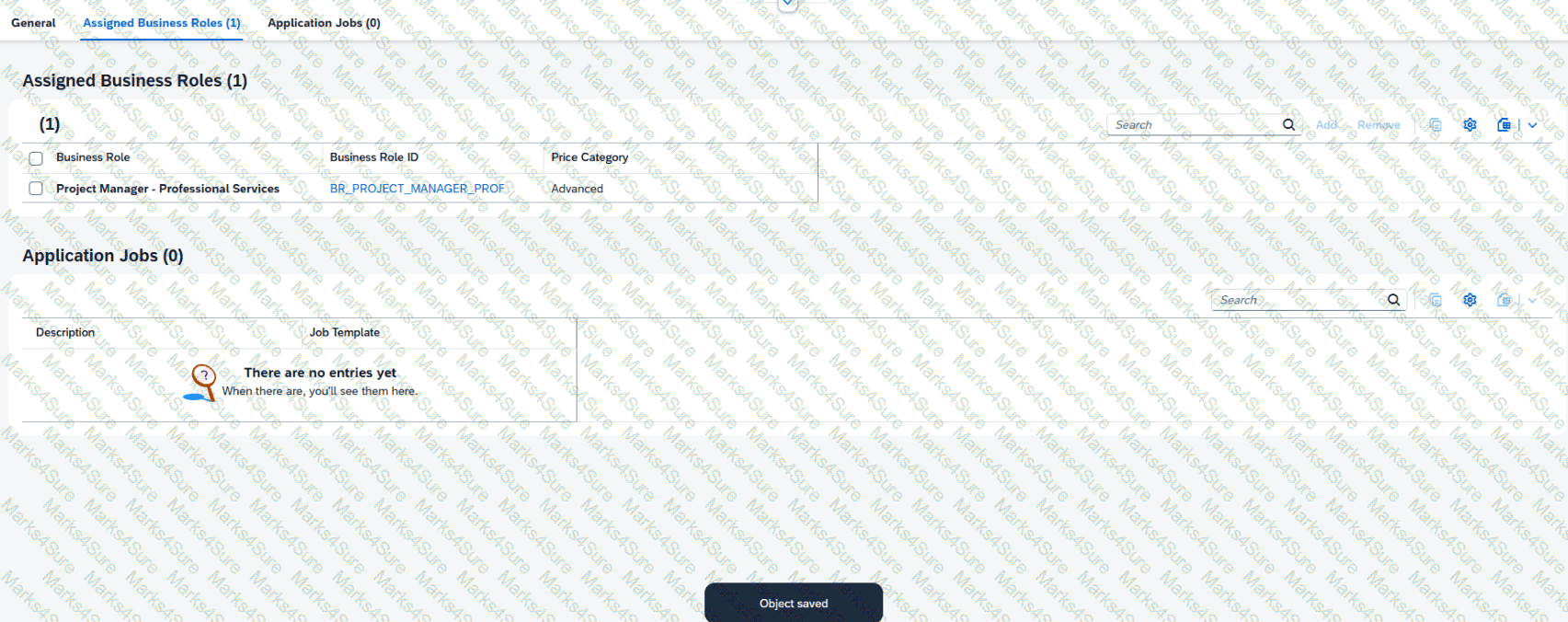
Business Scenario You are working on an implementation project and need to create a test user in the system for demonstrating the professional services business processes to project managers during your upcoming Fit-to-Standard workshop. Follow the instructions below to create a new test user with a basic import of worker and work agreement data.
Note: In the task below, always replace ###### with the last 6 digits of your group number.
Note:
Make sure to use the EXACT names/values/spaces as they are listed in the task.
Even forgetting a space or a number will cause the validation of the task to fail and
be marked as incorrect.
Task:
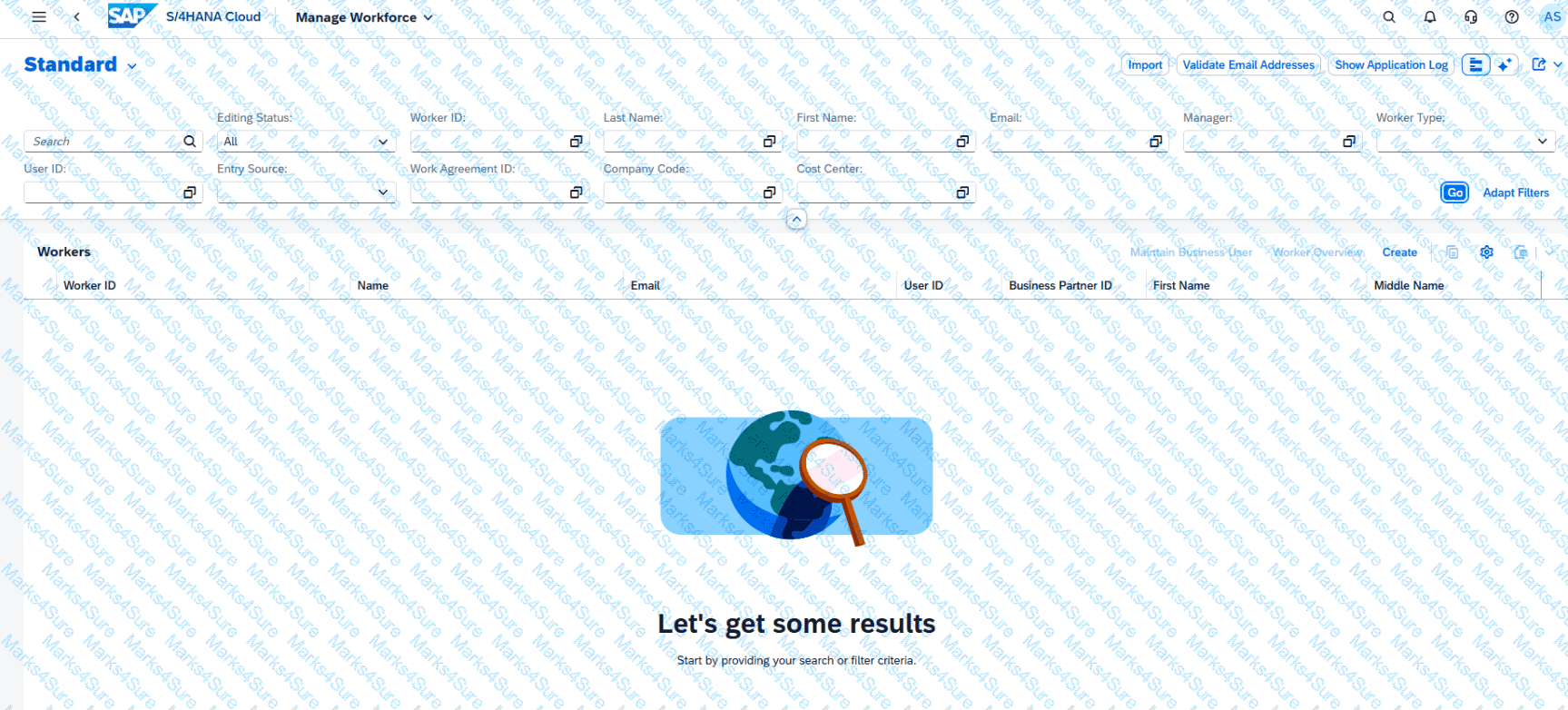
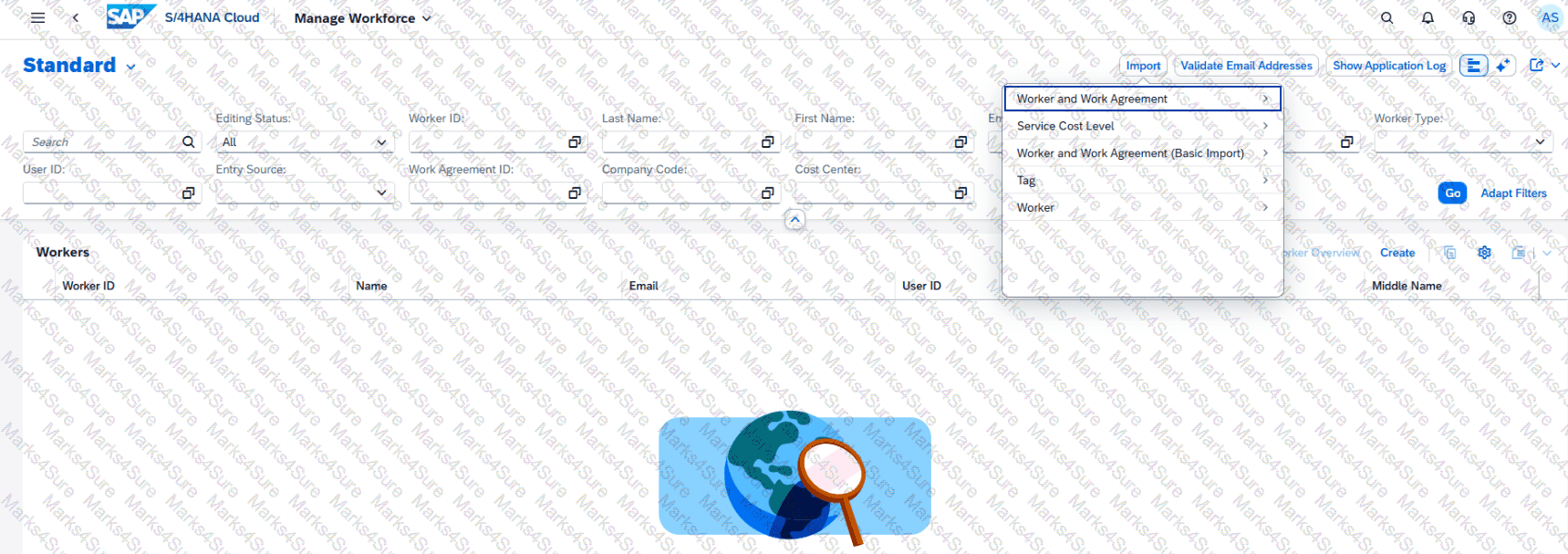
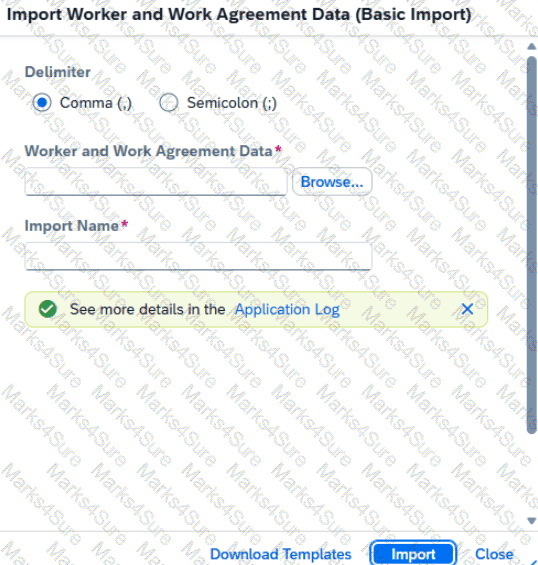
Create a new business user with the following information by importing the new user ' s data:
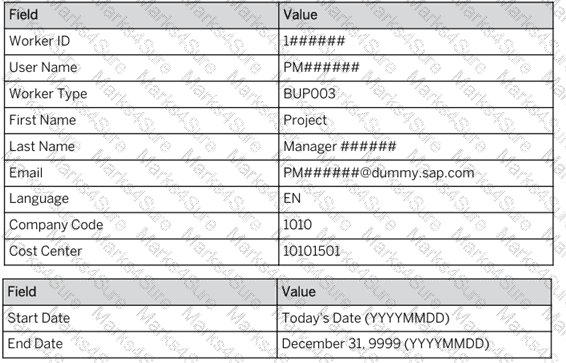
Import Name: Project Manager Test User ######
PDF + Testing Engine

Testing Engine
PDF (Q&A)
